In this article, you will learn how to add a new facility to Unicommerce.
To add a new facility on Unicommerce, you need to follow the below-given steps:
Raise a query on Unicommerce
Send a mail to the Unicommerce support team along with the details requested
How to raise a query on Unicommerce?
- Log in to your Unicommerce (Uniware) account.
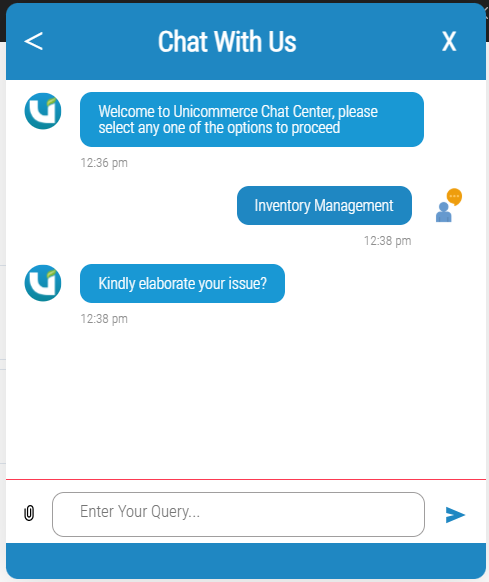
- Click the Chat Support widget available in the bottom-right corner of the screen.
- In the chat window, click Create New Ticket.
- Select the relevant category - Inventory Management
- Enter the required details in the chat window, including:
Enable web-based putaway
Enable SKU-level traceability
Warehouse code
Shipping package prefix
Shipping address
Billing address
6. Submit the query
Once the ticket is created, a ticket ID will be generated. You can track the status of your request through the Chat Support portal and receive updates from the Unicommerce support team.